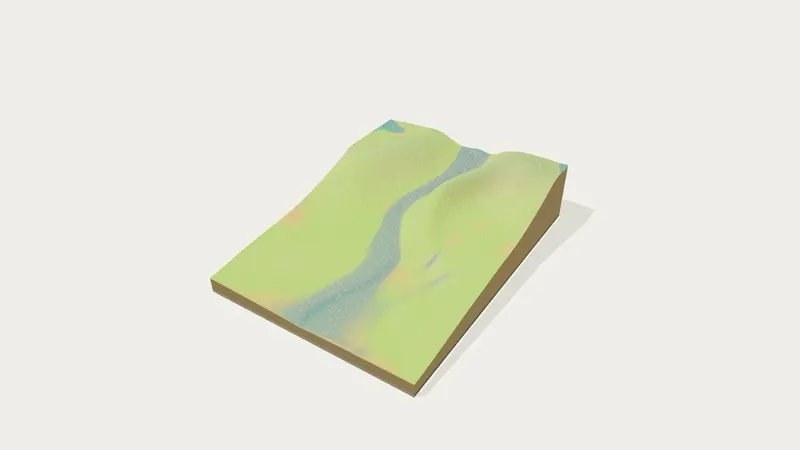
Rivers & Erosion
Water shapes the land.
Follow a river from the highlands to the floodplain. Small changes leave a lasting trace.
Falling streaks show rainfall. Pale streaks on the water follow the flow; cloudier water carries more sediment.
Eroded Unchanged Deposited
Changes apply immediately. Zero rainfall stops the upstream supply too. At 100% resistance, no new soil is eroded.
0.0soil removed
0.0soil deposited
0.0sediment in water
Volumes in model units; removed and deposited show the river’s net changes, excluding painted soil.
Try 5×, then Ground change to reveal the river’s work. Restart keeps your rainfall and soil settings. This is an accelerated, simplified landscape, not a flood forecast.